

AI Webcam Effects
FreemiumThe Chrome extension enhances video calls and offers virtual backgrounds, blur, beautification, auto-framing, color correction, lower thirds, emojis and more.
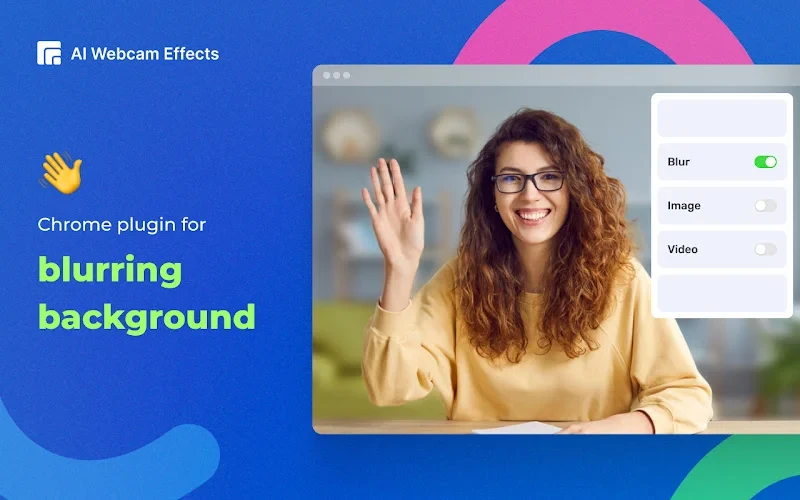
It's an extension for Chrome that improves your webcam quality, adds 15+ visual effects and filters and allows screen or live video recording.
🚀 Main features:
- 🔹Virtual background (image/video/custom background) or blur background
- 🔹Beauty Filter (face filter to touch up appearance, smooth skin and reduce imperfections)
- 🔹Light Correction (removes noise, improves brightness, contrast and color balance)
- 🔹AI Video Enhancer (makes image sharp and clear, colors more vibrant)
- 🔹Image or video overlay, Сustom watermark (logo), Titles (aka Lower Thirds) to personalize and brand your video
- 🔹Picture-in-Picture Mode, Smart zoom (aka Center Stage), Emojis and Gifs (to empower online presentations)
- 🔹Cinematic video filters and professional color correction
- 🔹Record webcam video or screen
🎯 AI Webcam Effects best suits if you are:
- 🔹using popular video platforms like Google Meet, Zoom, Microsoft Teams, Skype or any other video service.
- 🔹looking for virtual camera or webcam software for camera effects and filters
- 🔹live streaming or creating content for YouTube, Instagram, TikTok, Facebook, Twitch and other platforms.
- 🔹visiting live chats or dating services
Fully compatible with many websites that supports video conferencing or streaming, including Zoom, Google Meet, Microsoft Teams, Skype, Discord, and many more!
What is AI Webcam Effects?
The Chrome extension enhances video calls and offers virtual backgrounds, blur, beautification, auto-framing, color correction, lower thirds, emojis and more.
Is AI Webcam Effects free?
AI Webcam Effects offers a free tier with premium features available.
What platforms does AI Webcam Effects support?
AI Webcam Effects is available on: Chrome Extension.