

Relax Your Ears
FreeAI noise cancellation for Chrome tabs: mute crowds, traffic, keyboards - hear only voices in videos, meetings & podcasts.
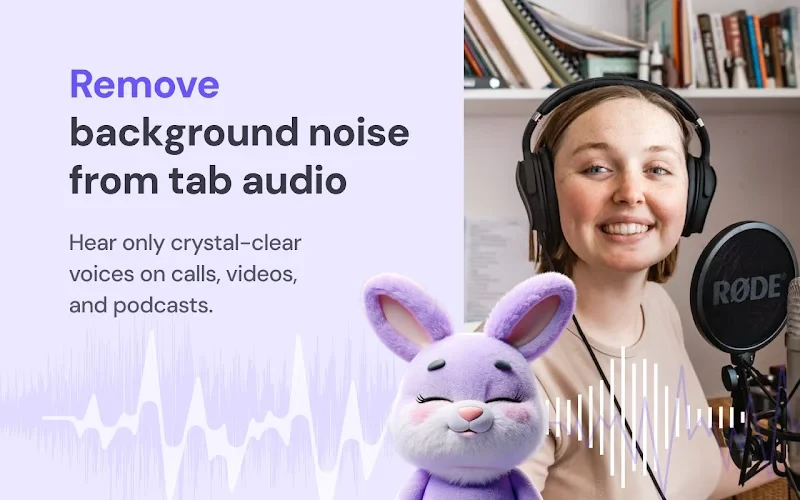
Hear only voices. Remove background noise from any Chrome tab audio with AI.
Relax Your Ears is a real-time noise cancellation / noise reduction / denoiser extension that filters the audio from any browser tab - so crowd chatter, traffic, keyboards, fans, dogs, and hum disappear, while speech stays clear and easy to follow.
✨ Key Features:
- ✴️ Real-Time AI Noise Suppression: isolates voices while removing background sounds.
- ✴️ Works on Any Site: cleans audio from any tab that plays sound.
- ✴️ One-Click Control: press Start to enable, Stop to return to the original audio.
- ✴️ Lightweight & Efficient: designed for smooth playback while you browse.
💡 How it works
Unlike microphone noise suppression (which affects what others hear from you), Relax Your Ears processes only the sound you listen to. The original stream stays untouched — you just hear the cleaned, voice-only version locally on your device.
💡 How to Use
- 1️⃣ Install Relax Your Ears.
- 2️⃣ Open a tab with audio (video, meeting, podcast).
- 3️⃣ Click the extension icon → Start Denoise. That’s it.
🕵️ Privacy & Cost
- Playback-only: processes audio locally for your ears; it does not send your mic or tab audio to servers.
- Free to use. No extra hardware or paid software needed.
What is Relax Your Ears?
AI noise cancellation for Chrome tabs: mute crowds, traffic, keyboards - hear only voices in videos, meetings & podcasts.
Is Relax Your Ears free?
Relax Your Ears is completely free to use.
What platforms does Relax Your Ears support?
Relax Your Ears is available on: Chrome Extension.